" Wow, I needed that "
Lucas
" Mindful moment really touched me "
Joanne
" The reflection prompt is so useful! "
Chrissy
" I feel calmer already "
Niamh
Solace
Designing a mental wellness experience to reduce cognitive overload during moments of stress
About Project
Graduation project
Timeline
6 months
Tools
Figma, Balsamiq, Optimal Workshop, Lyssna
Role
User Interviews, Research, UX/UI Design, Wireframing, UX writing, Usability Testing, Prototype
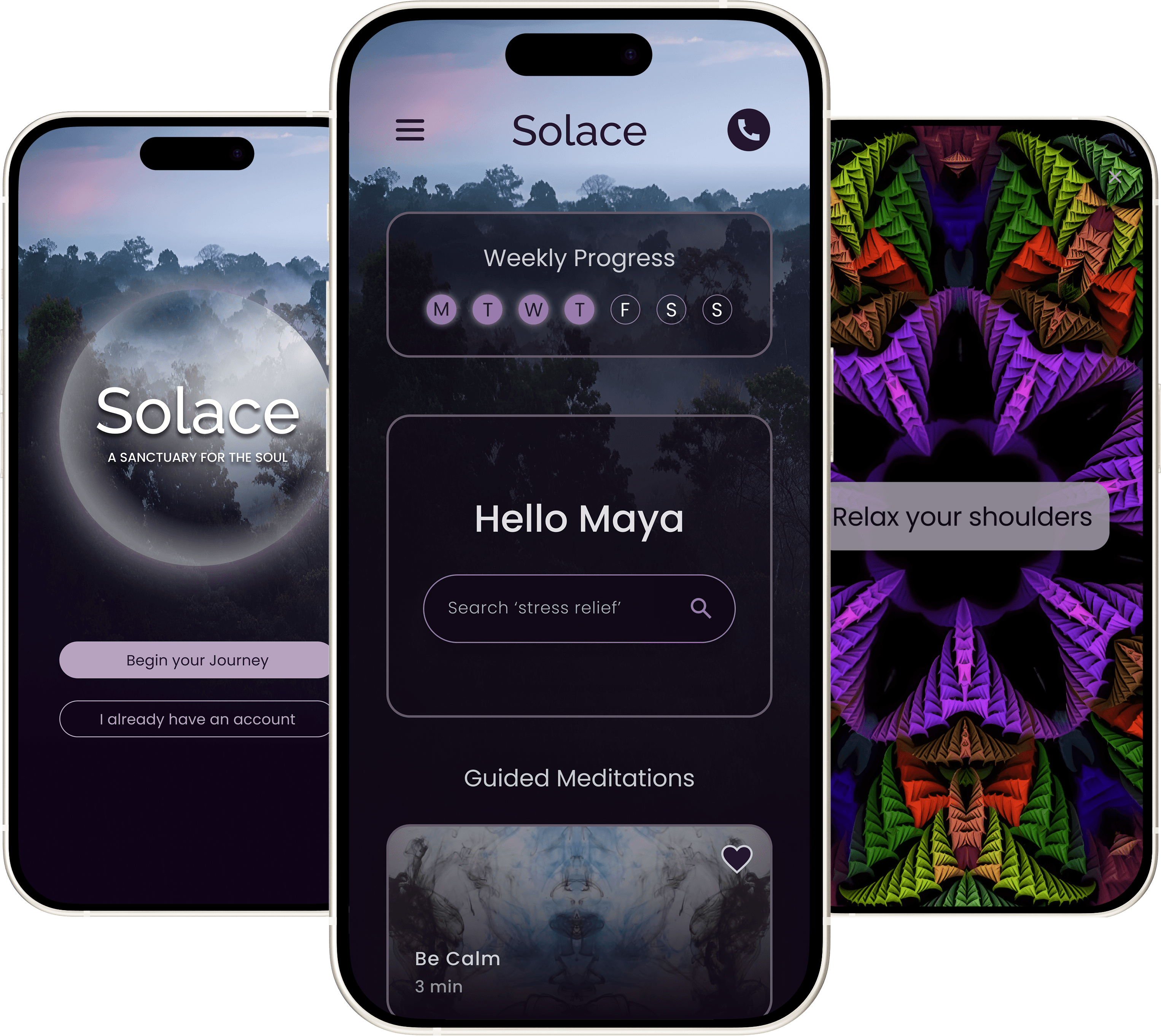
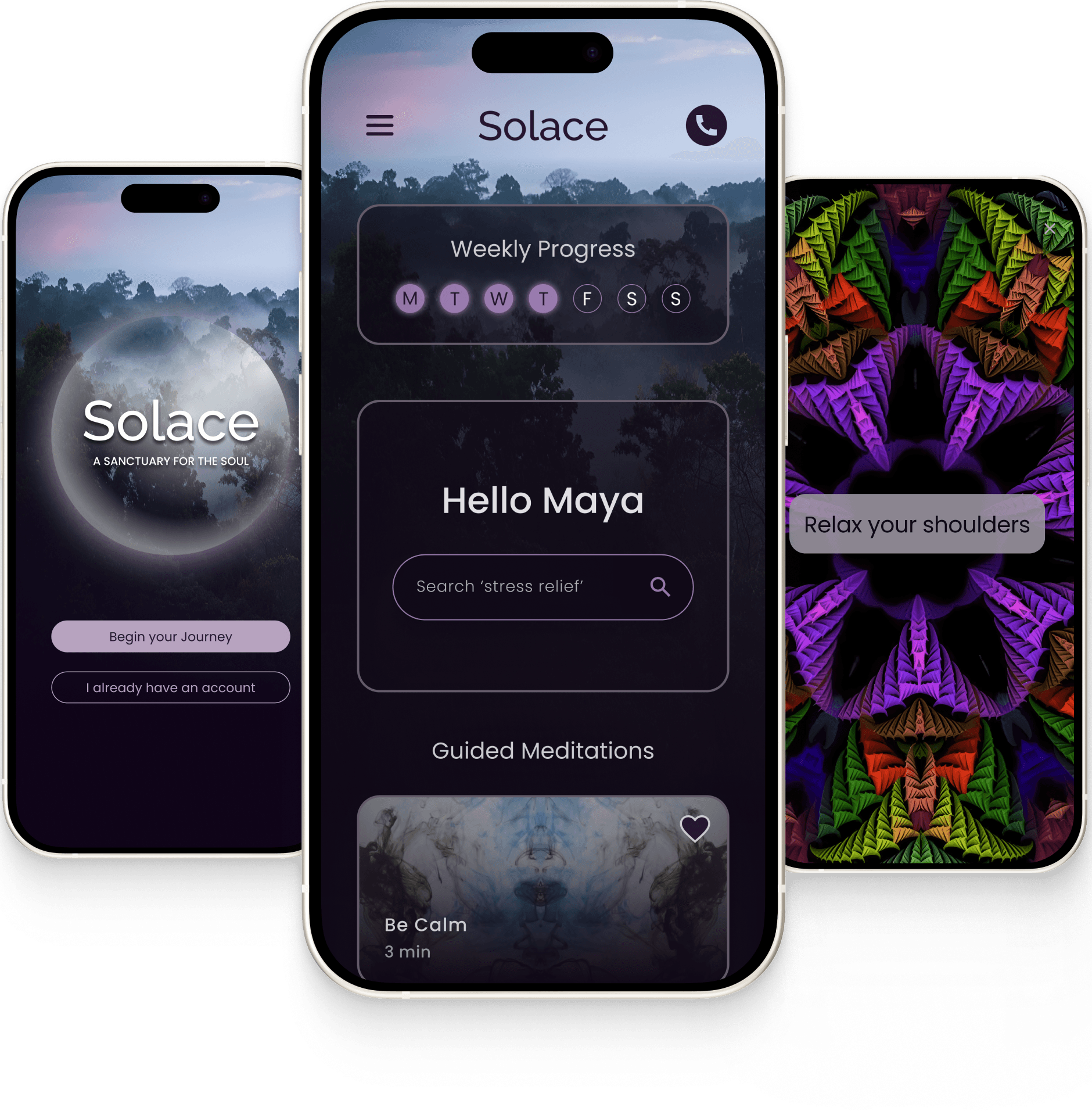

Framing the problem
Searching for content creates frustration
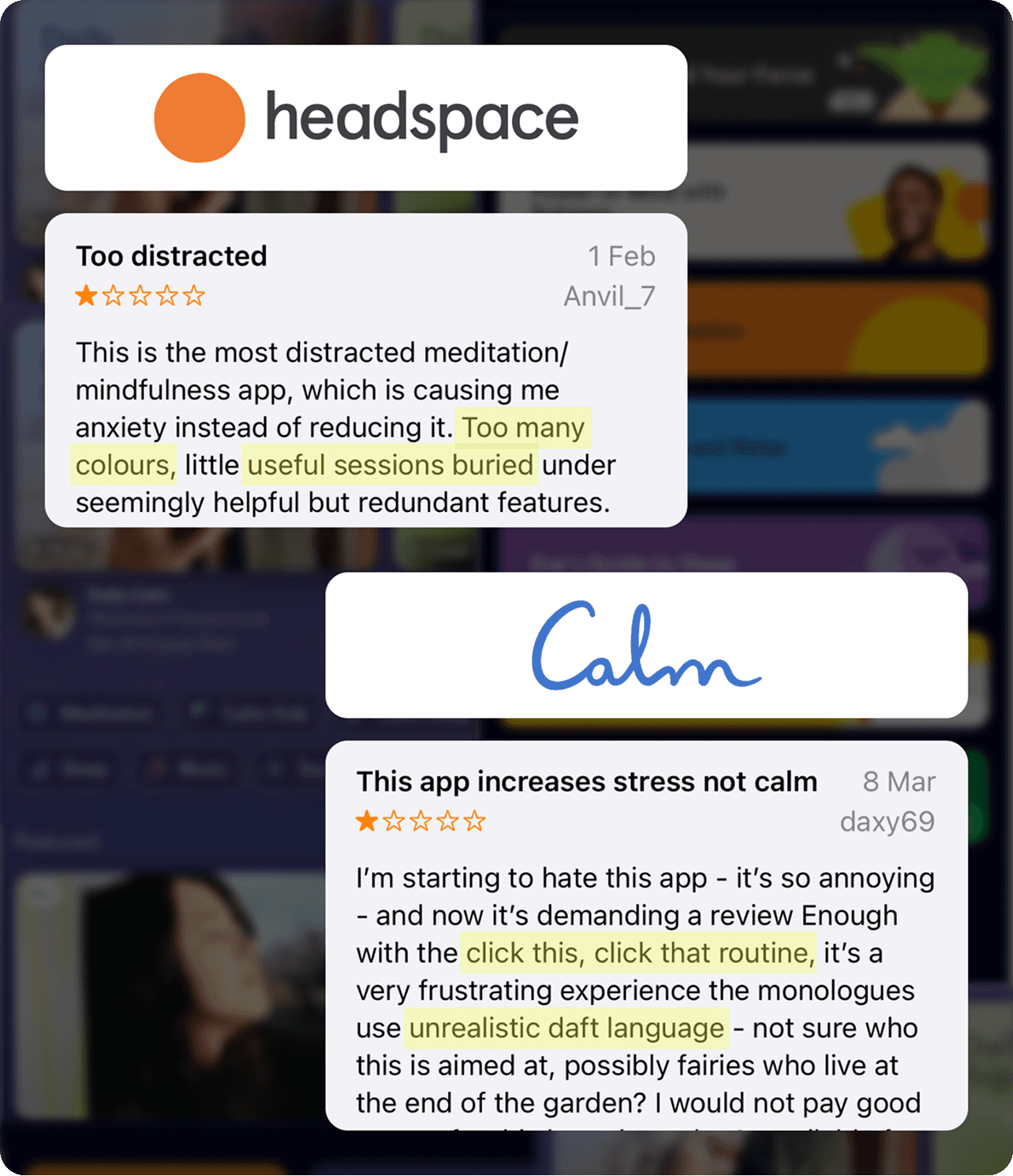
Stress is a universal struggle that negativily impacts both physical and mental health, yet meaningful support can be hard to access for many reasons. Digital products can offer accessible help, but competitor analysis of leading wellness products revealed that users felt overwhelmed by copious amounts of unrelatable content and confusing navigation.
Research trade offs
Quantitive vs Qualitative

Research was highly constrained with limited scope. AI hadn't taken off yet, I didn't have access to a large pool of target users and I was working solo. Instead of posting an online survey to gather surface level data from a random audience, I reached out to people in my local area and conducted 4 user interviews to gather high quality qualitative data to understand how user's cope with stress and what their needs, pain points and behaviours are.
Key findings
Defined project goals
I synthesised interview data with 3 rounds of affinity mapping to identify trends in user needs, goals, pain points and motivations. Combined with insights from competitor analysis I determined 6 goals that would meet user needs and fill a gap in the market, which would have been ideal if this product had business needs to consider.
Evidence backed strategies
Human touch point of support
Reduce cognitive burden
Feeling of escapism
Provide immediate stress relief
Dark nature theme
Psychology backed onboarding
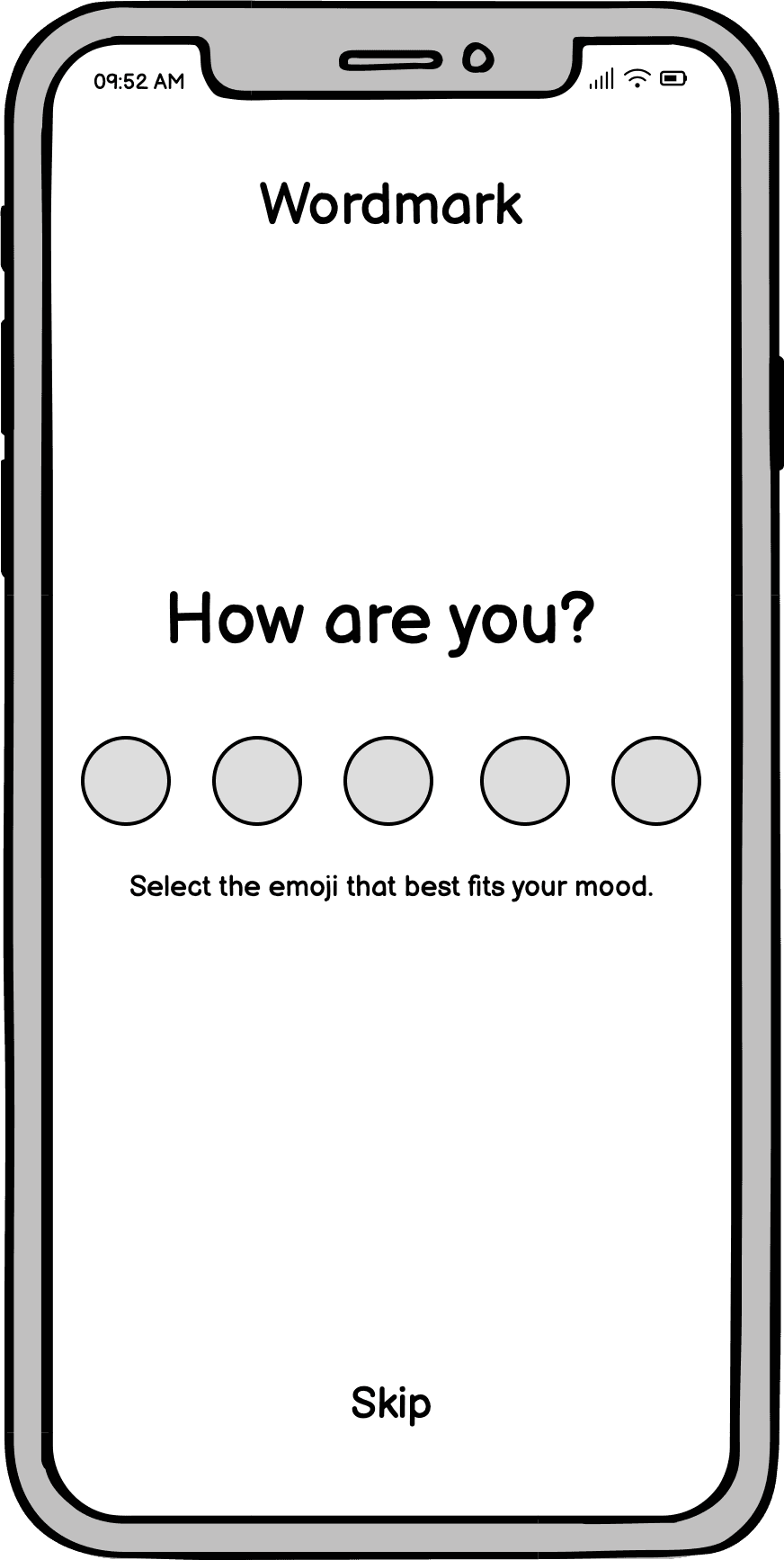
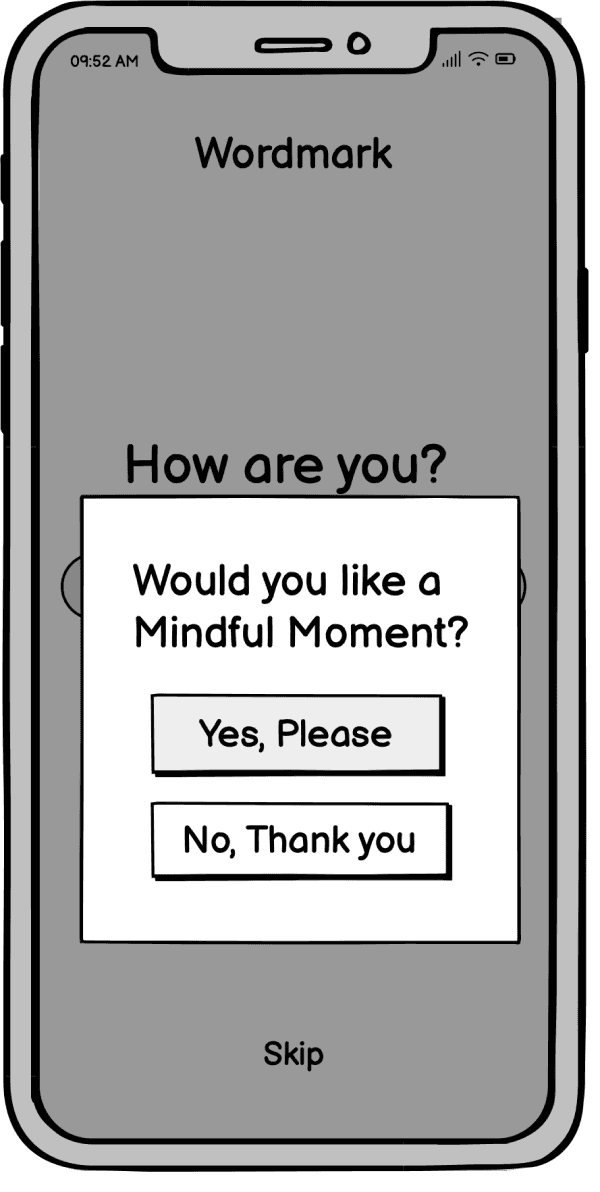
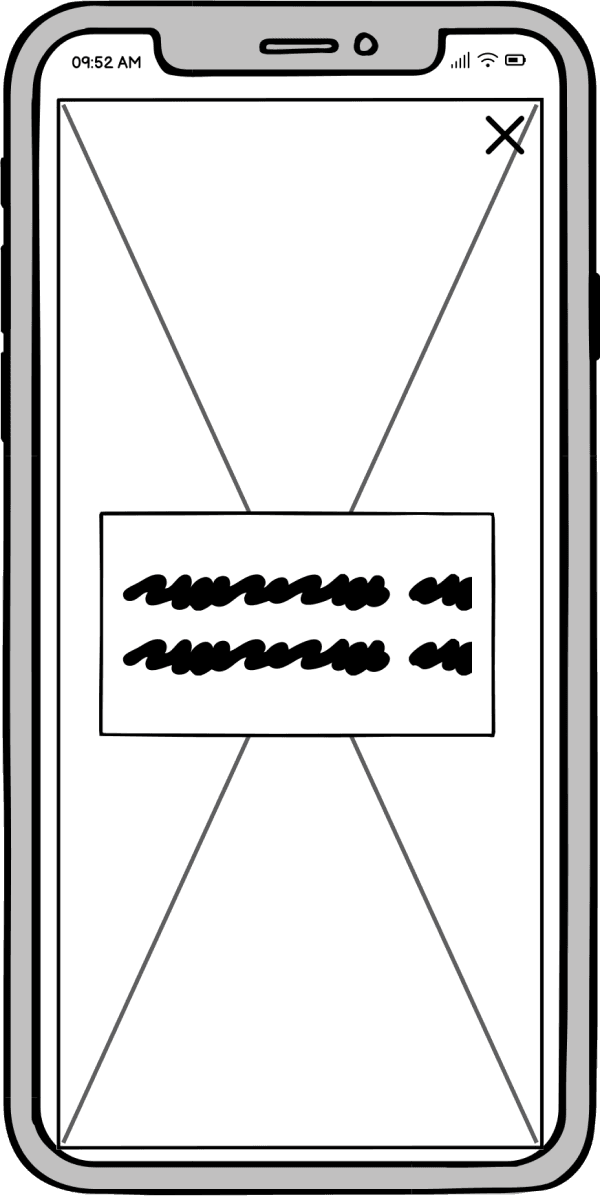
Users need immediate relief as searching for content while stressed makes them more anxious
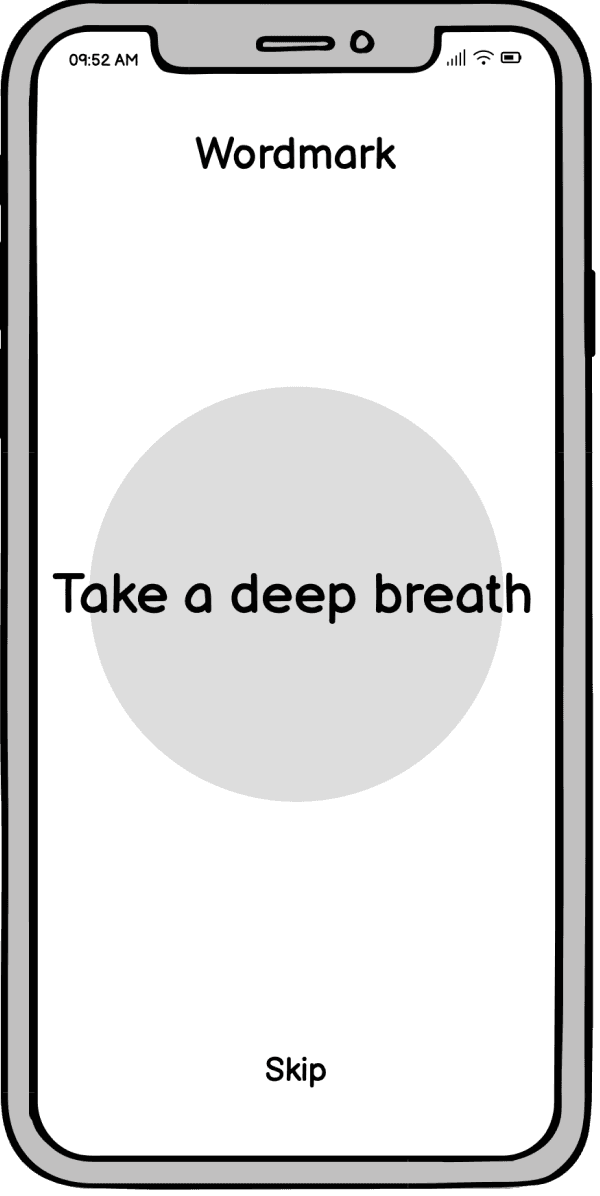
To make stress relief immediately accessible I designed an onboarding process that embedded 4 evidence backed strategies that would regulate the users nervous system and therefore reduce stress.
Card-sorting informed architecture
Evidence-based direction
I ran a card-sorting workshop to find out how users naturally grouped and prioritised content. The resulting similarity matrix revealed clear patterns and relationships, providing evidence-based direction for structuring the product.
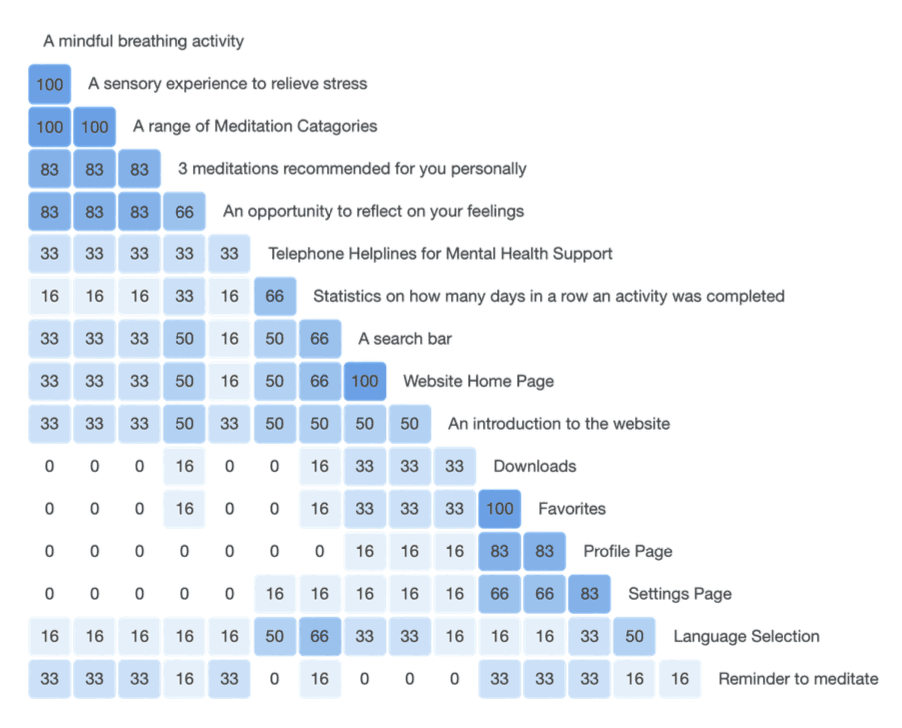
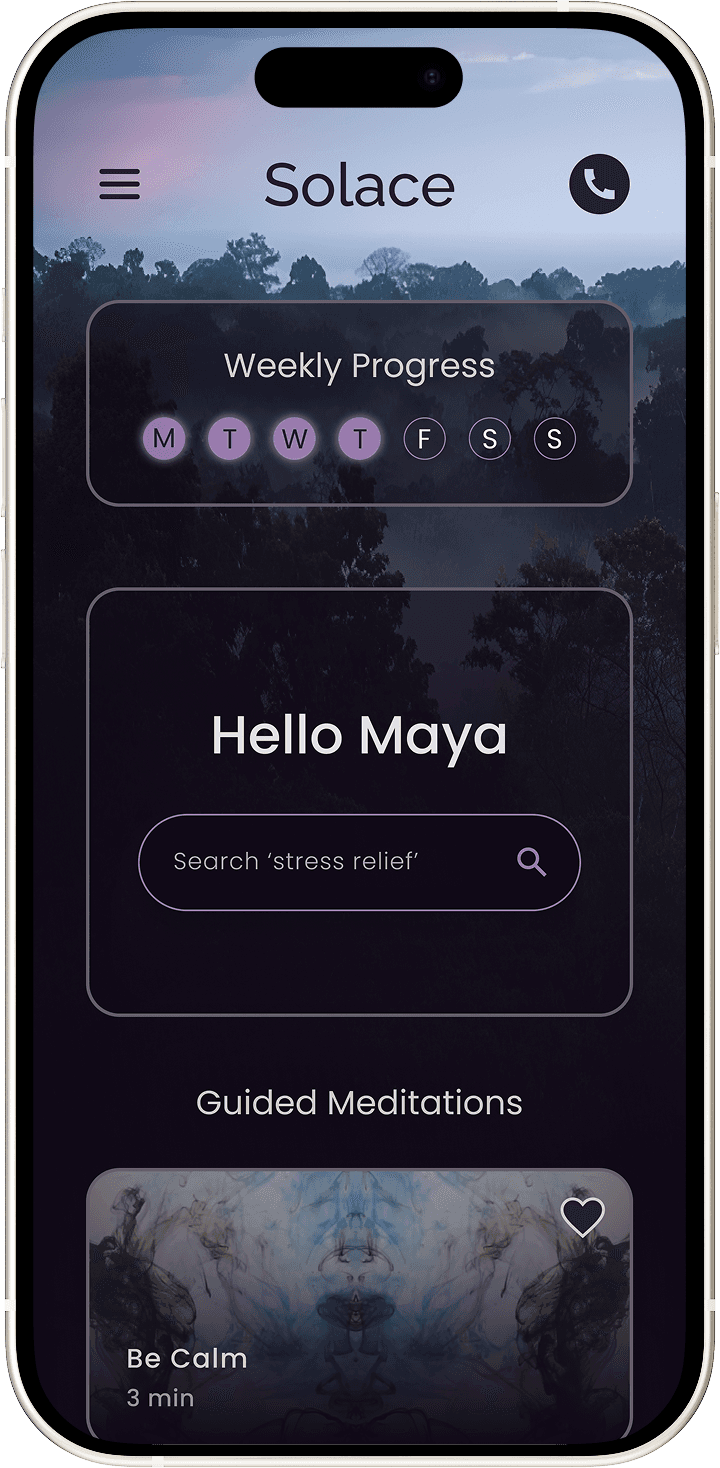
User mental models directly informed both feature flow and home screen hierarchy.
66% grouped meditation and reflection together. As a result, I included a pop up modal at the end of meditation sessions so users can open the 'Reflect' feature and journal their thoughts.
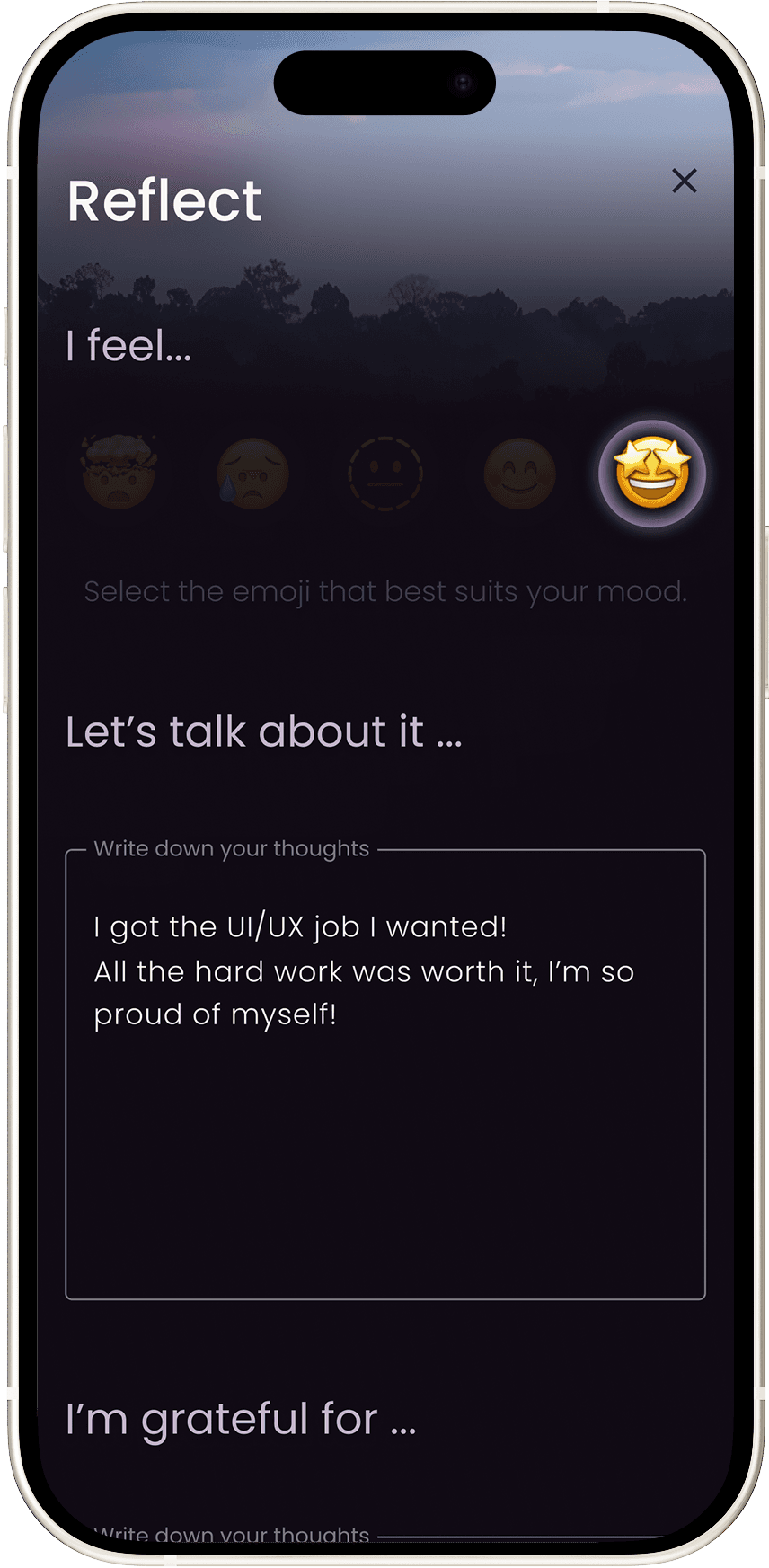
The majority of participants grouped meditations, helplines, run streak and search as features they would associate with the home screen. As a result, I followed this exact hierachy when designing the home screen.
Usability testing
Does onboarding provide immediate relief?
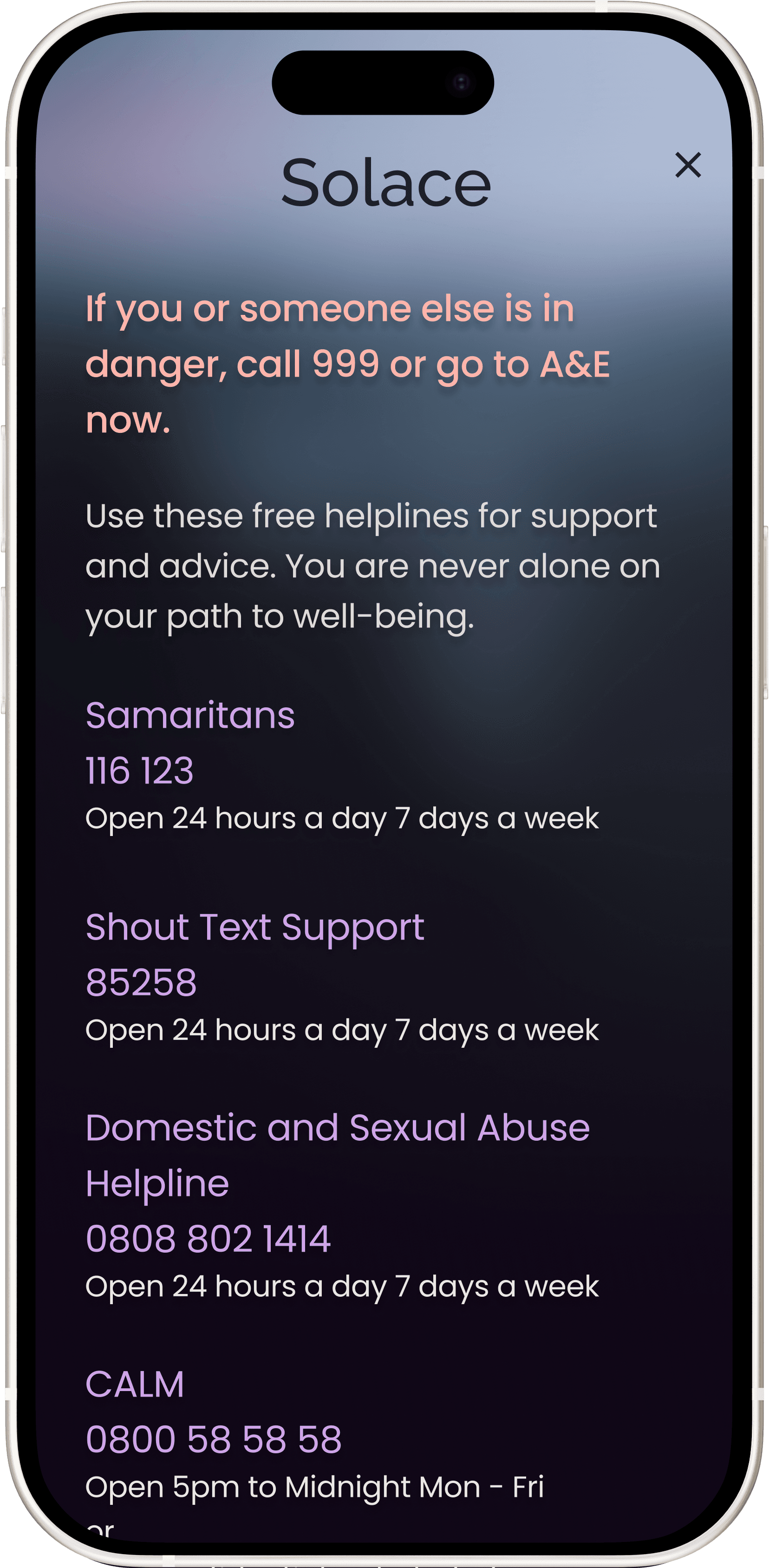
Can users locate the Mental Health Helpline Icon?
Do users like the sensory based ‘Mindful Moment’ feature?
I tested the design via remote moderated testing as participants would feel comfortable in their own home which I was hoping would make results more authentic. I planned direct and scenario based tasks and encouraged participants to think out loud to gather as much qualitative data as possible. Onboarding and the sensory feature were successful however there were 2 errors I didn't see coming.
Helpline Icon Re-design
Before

After
Users felt apprehensive to tap the icon because it was red and they were unsure what would happen. Some couldn't find it despite it being in the top right hand corner. Both these problems were solved by re-designing the icon with a colour fill in a less intimadating colour with high contrast.
New snack bar component
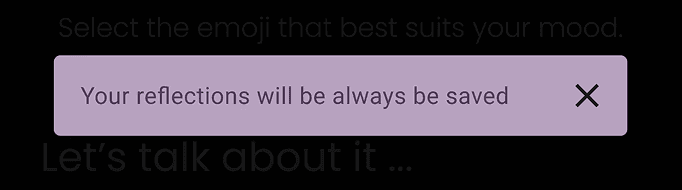
Users were concerned their journaling wouldn't be saved since there was no 'save' button. I had planned for this input to be autosaved for a more seamless experience, however I had failed to communicate that to the user! I added an interactive snack bar so users would have to interact with to confirm they understood.
Design Critique
Collaborative feedback that led to learning
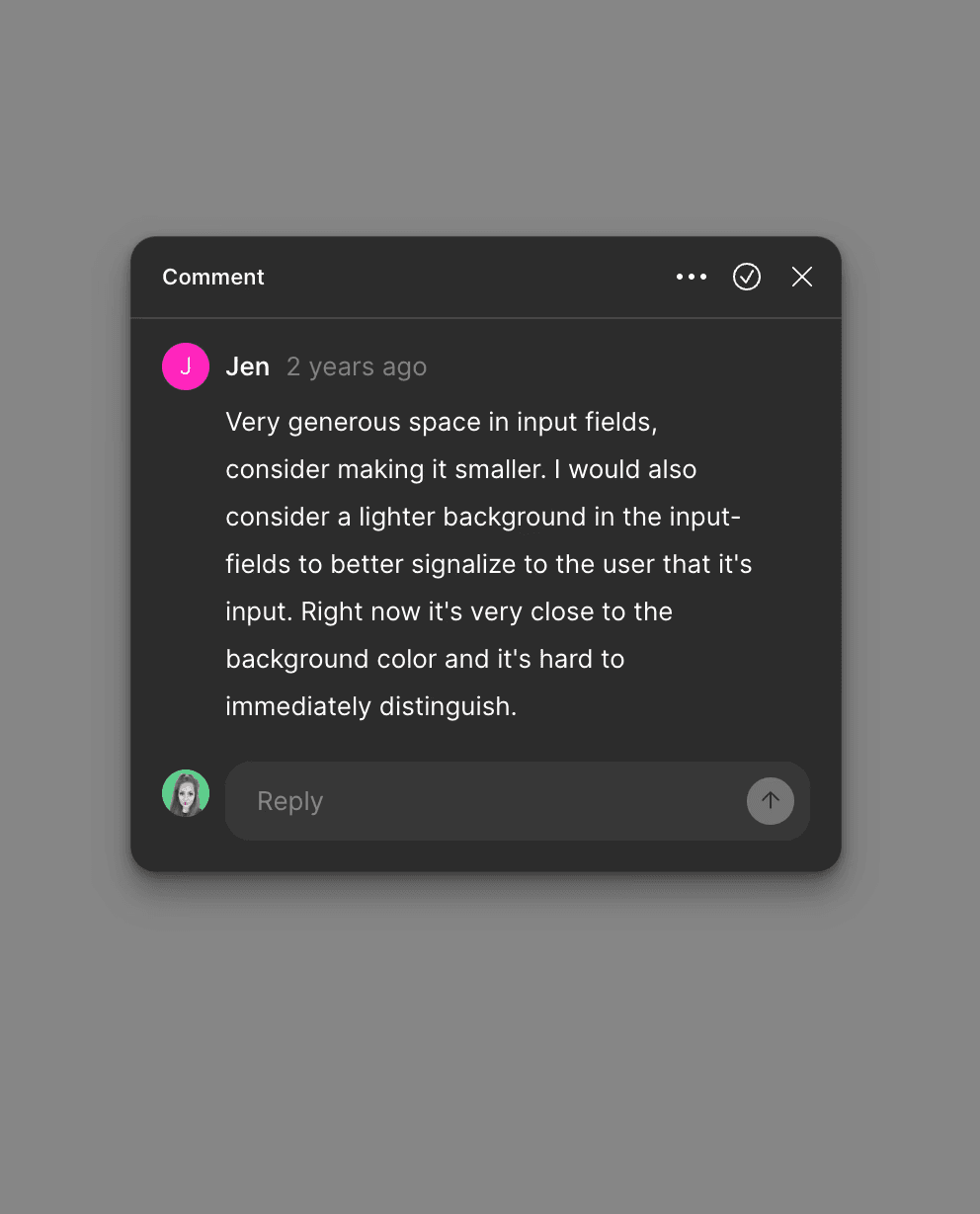
I welcomed peer feedback and used it to refine spacing and contrast, improving clarity and usability. Through this process, I identified accessibility gaps against WCAG AA due to mid-tone colour choices, reinforcing the importance of validating accessibility earlier in high-fidelity design.
Key Takeaways
High contrast colour palettes
Leaning into high-contrast colour palettes is essential for accessibility, reinforcing the importance of prioritising contrast early in visual design.
Multi-sensory design
Designing beyond usability to engage the senses can create a visceral experience users want to return to.
Micro-test
Early, small-scale testing enables faster iteration and stronger alignment with user needs before reaching high-fidelity design.
Final Design
Project goals achieved

Evidence backed strategies
Human touch point of support
Reduce cognitive burden
Feeling of escapism
Provide immediate stress relief
Dark nature theme